Teach your child at home, even if you have forgotten the subject.

Every lesson briefs you first, then walks you both through it, and shows you what your child has really mastered.

Available now: Precalculus, for grades 11 and 12. 60 of 60 lessons ready.

The parent brief

Three minutes that tell you what to say

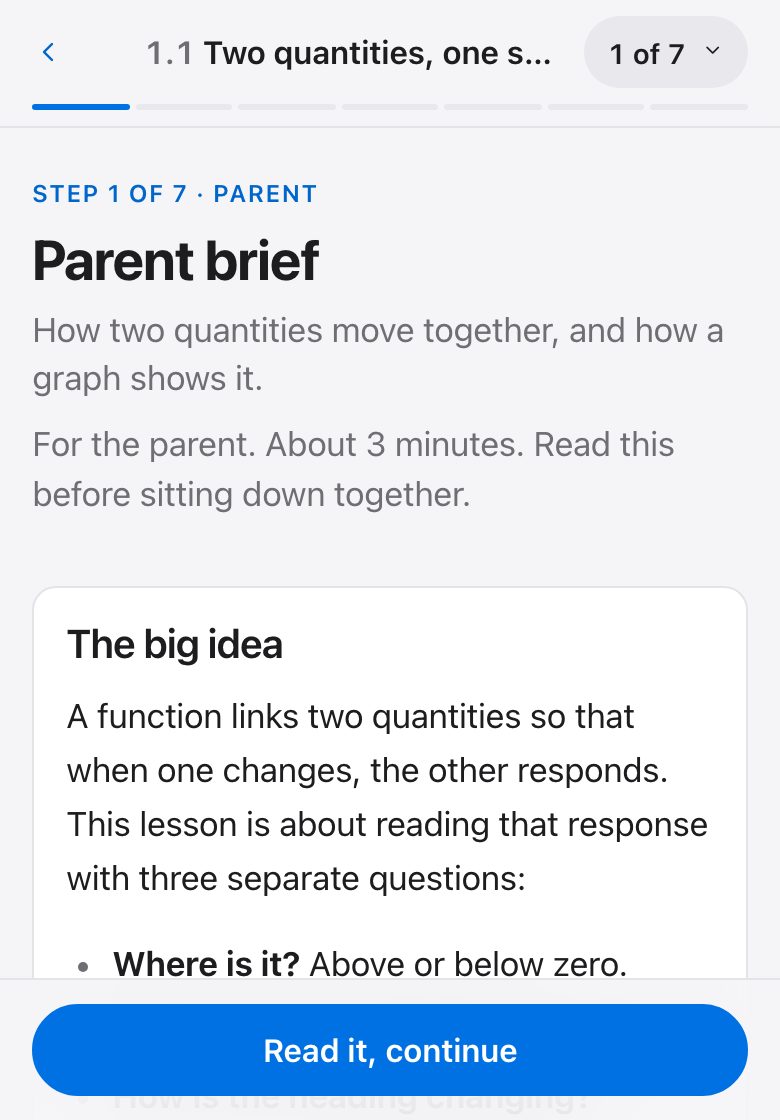
Every lesson starts with a brief for you: the idea in plain words, what your child is likely to say, and what to say back. You do not need to remember the subject. This is the brief from a real lesson, Precalculus 1.1, Two quantities, one story.

The big idea

A function links two quantities so that when one changes, the other responds. This lesson is about reading that response with three separate questions:

  • Where is it? Above or below zero.
  • Which way is it heading? Up or down.
  • How is the heading changing? Speeding up or slowing down.

Most mistakes come from answering one of these when the question asked another.
When they are stuck, ask

  • "Are you telling me where the graph is, or which way it is heading?"
  • "Put your finger on the curve and move right. Is your finger going up or down?"
  • "Draw three little slope lines along it. Are they tilting more upward or more downward?"

Ask, then wait. Ten seconds of silence is normal.

What you may hear, and what to say

You may hear"It's positive, so it's going up."
Steer towardPositive is about where the graph is. Increasing is about which way it is heading. A debt being paid off is negative and increasing.
You may hear"Concave down means it's decreasing."
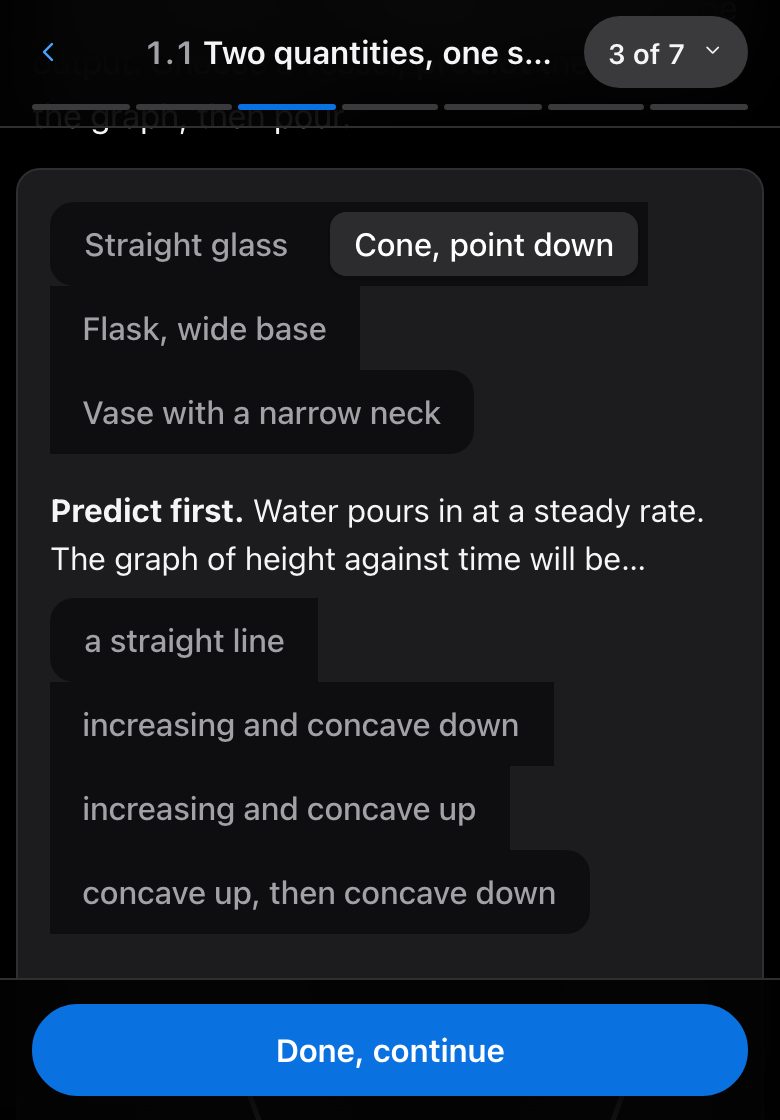
Steer towardConcave down means the rate of change is decreasing. A cone-shaped cup filling up rises the whole time, yet its graph is concave down.
You may hear"It passes the vertical line test."
Steer towardTrue, but ask for the reason in words: each input has exactly one output.

How a lesson works

The same seven steps, every time

After the first lesson you both know what comes next. A session is about 25 minutes: you read the brief first, then sit down together.

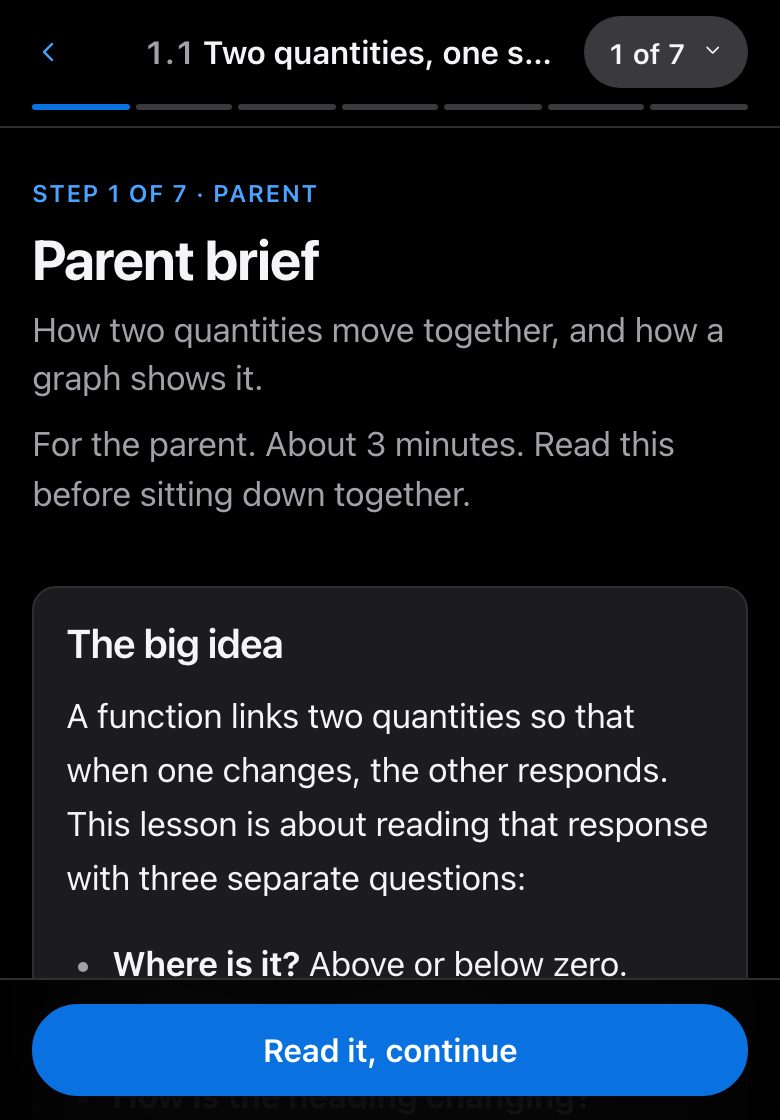
  1. Parent brief

    Parent · about 3 minutes

    What it is, why it matters, what to say.

    Step 1, Parent brief, as it looks in a lessonStep 1, Parent brief, as it looks in a lesson
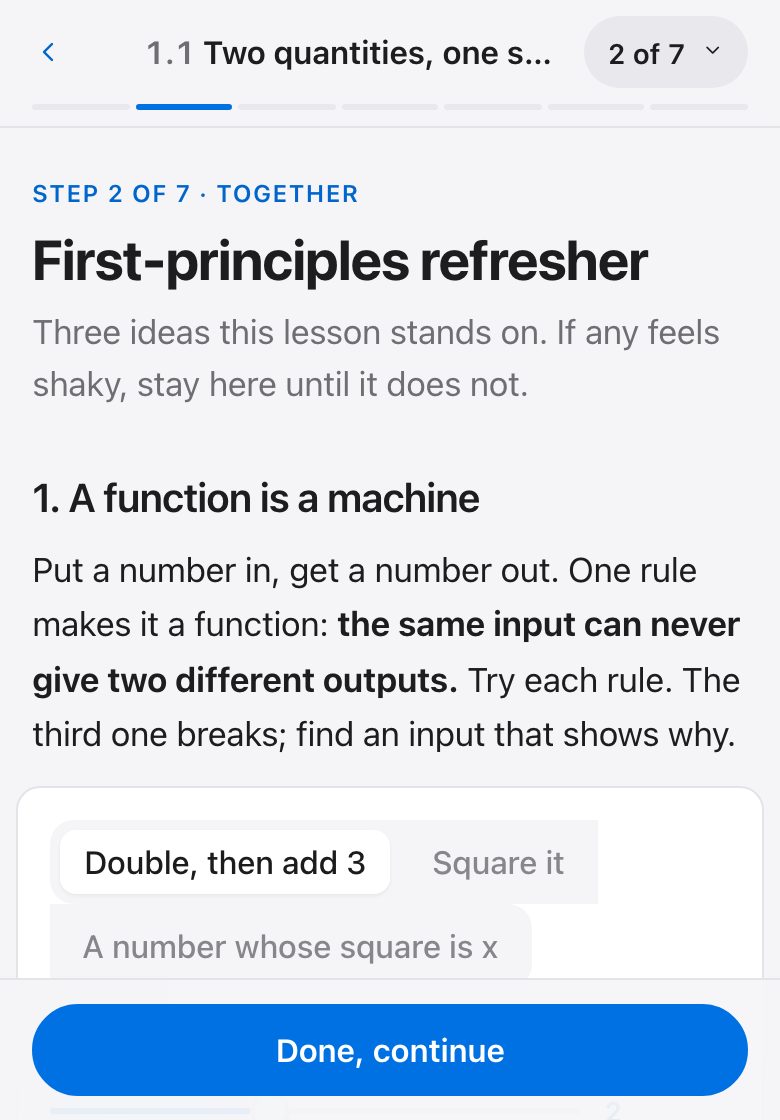
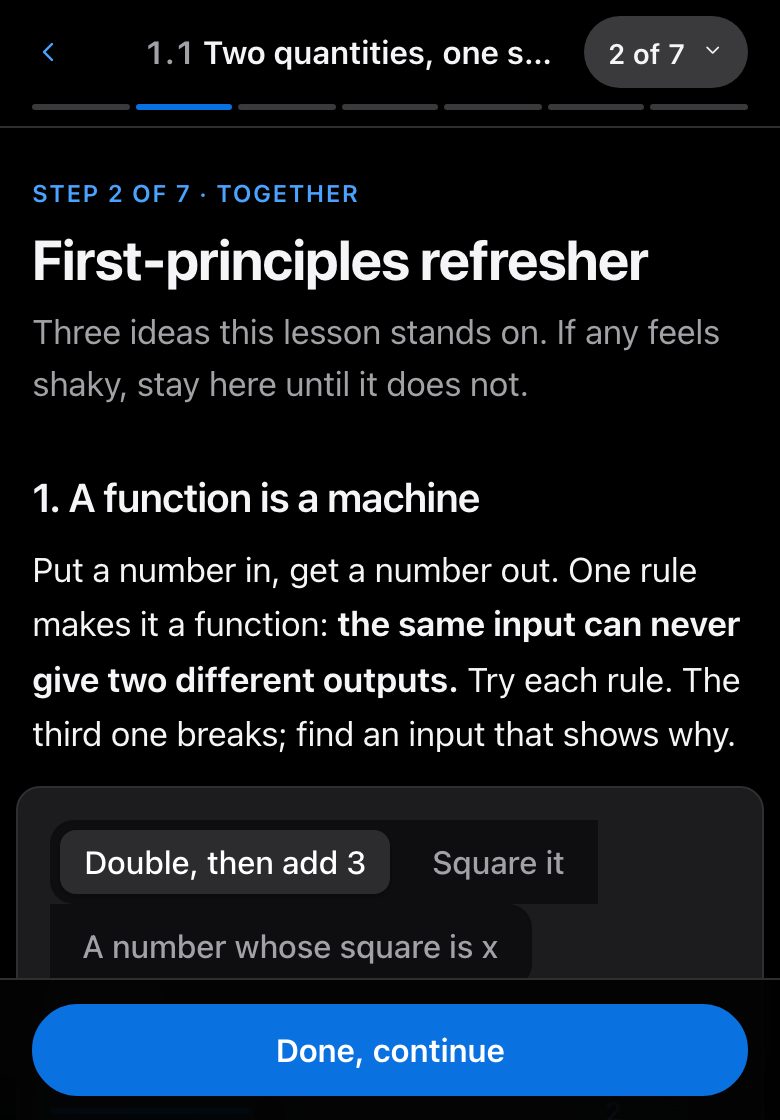
  2. First-principles refresher

    Together · about 10 minutes

    Rebuild the prerequisite, then a 3-question ready check.

    Step 2, First-principles refresher, as it looks in a lessonStep 2, First-principles refresher, as it looks in a lesson
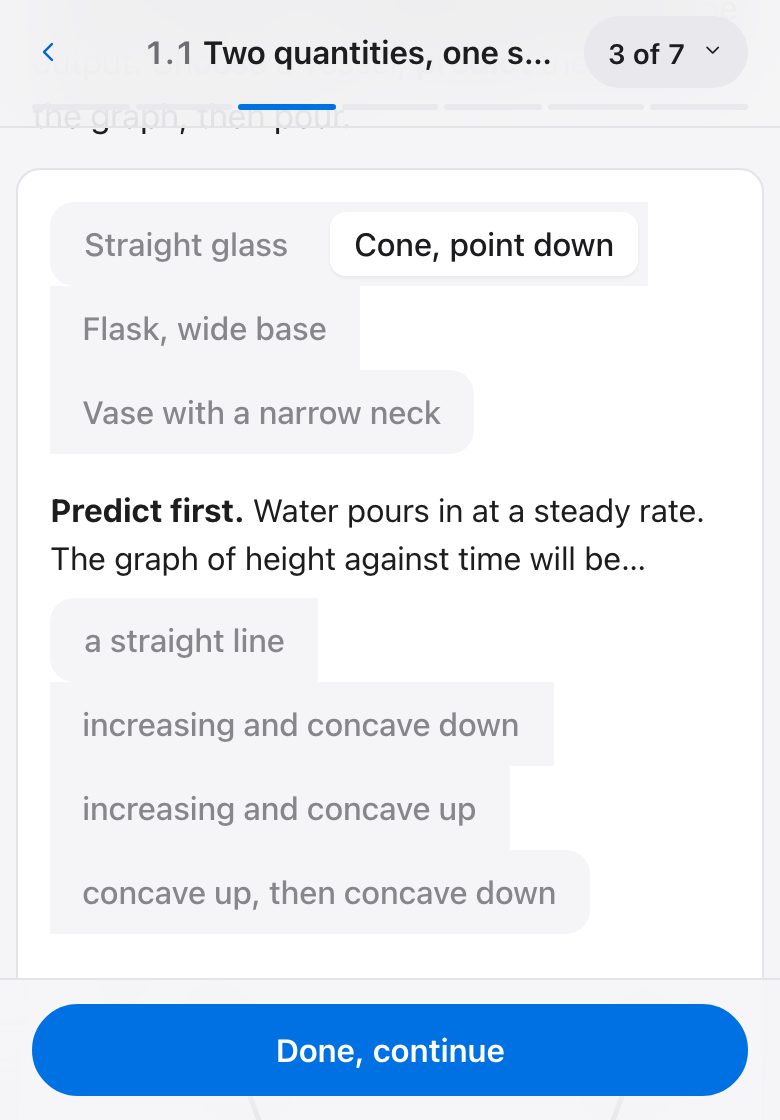
  3. See it

    Together · about 10 minutes

    An interactive picture your child controls.

    Step 3, See it, as it looks in a lessonStep 3, See it, as it looks in a lesson
  4. Worked examples

    Together · about 12 minutes

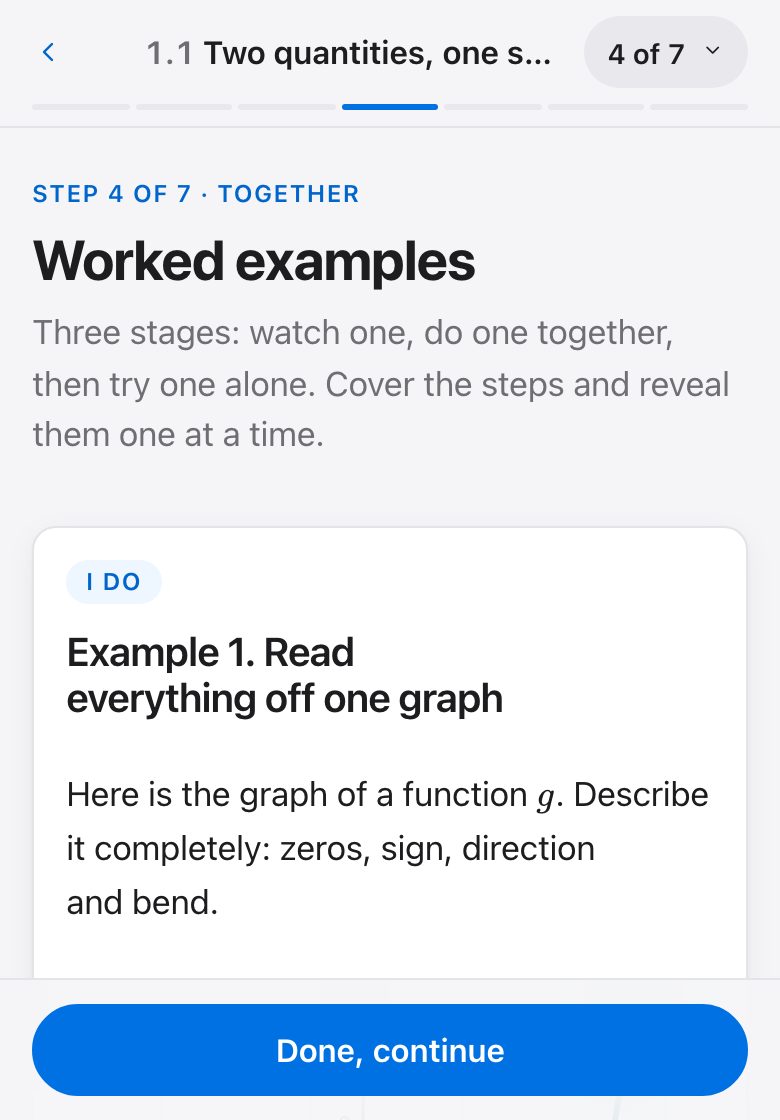
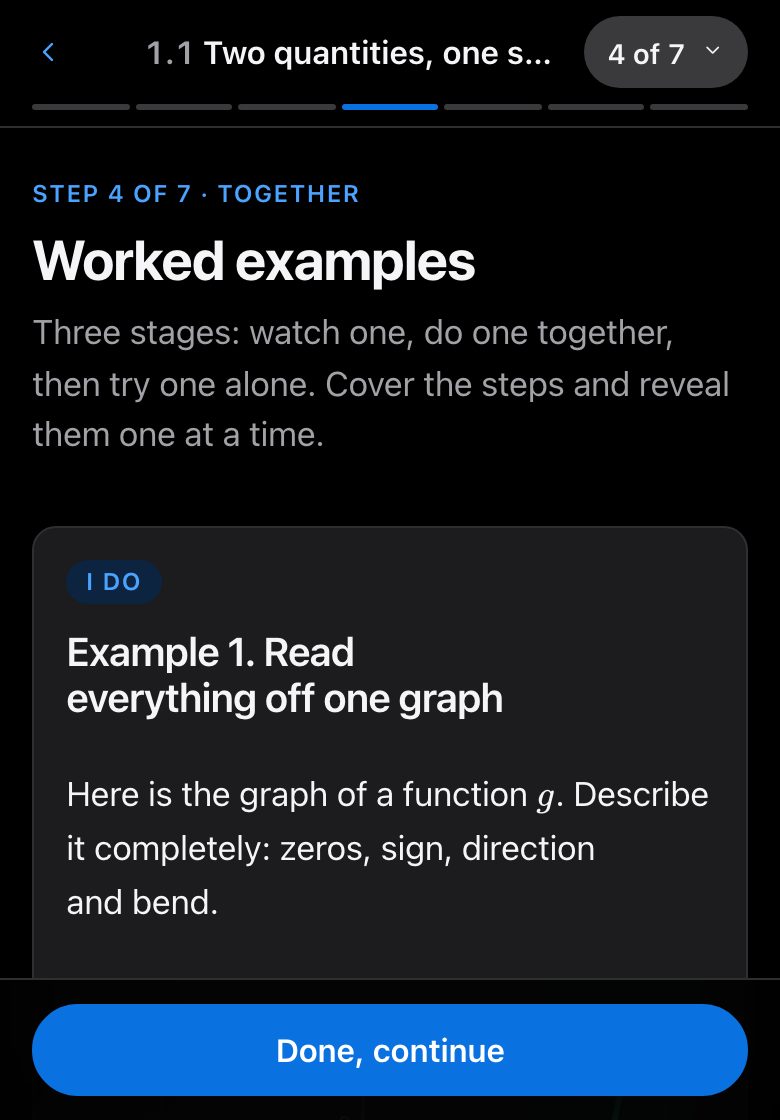
    Watch one, do one together, try one alone.

    Step 4, Worked examples, as it looks in a lessonStep 4, Worked examples, as it looks in a lesson
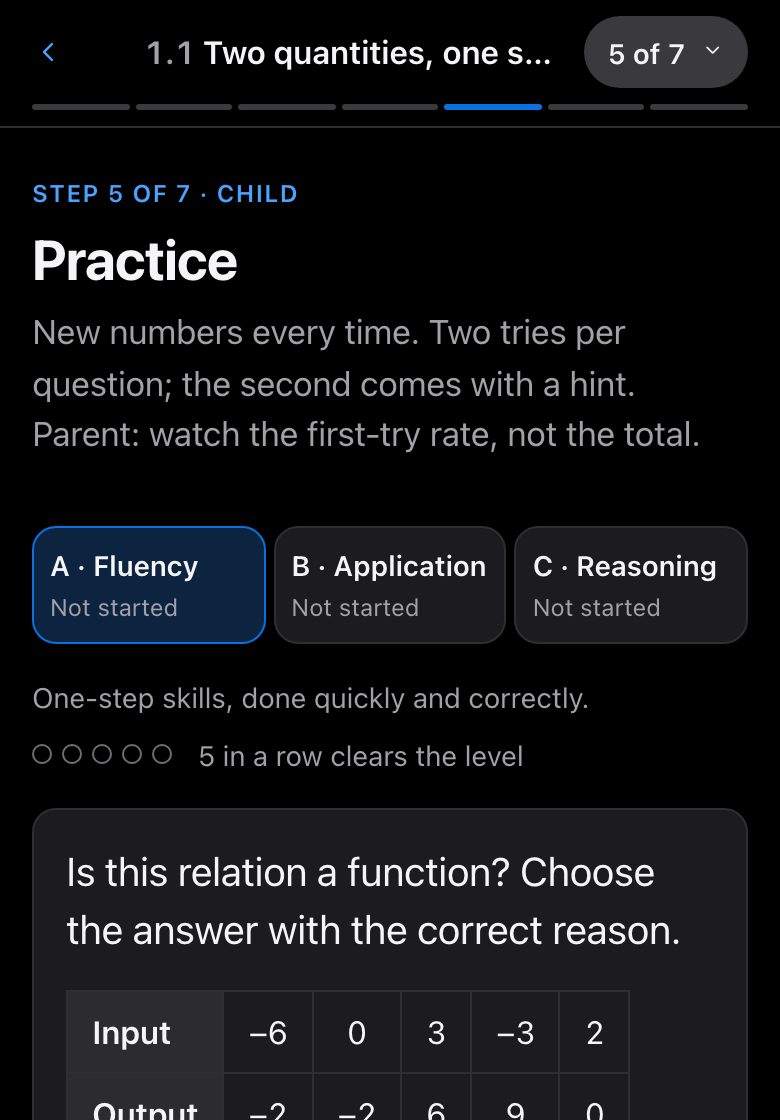
  5. Practice

    Child · about 15 minutes

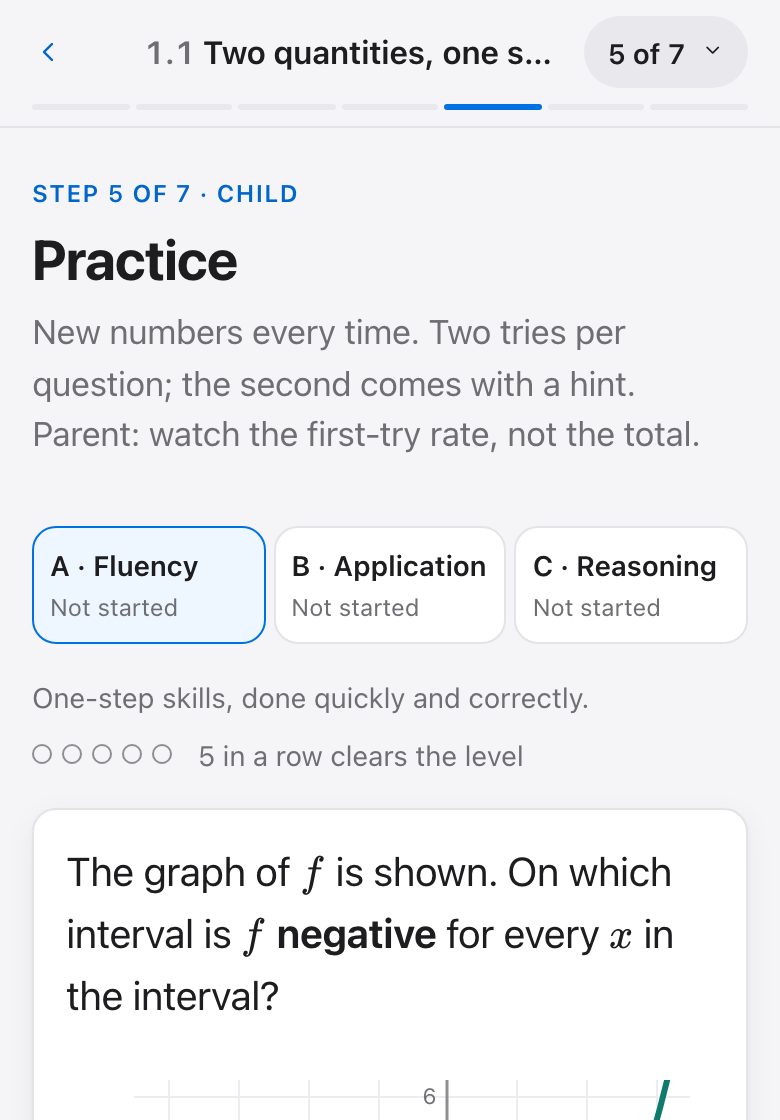
    Fresh numbers each time, three levels, hints.

    Step 5, Practice, as it looks in a lessonStep 5, Practice, as it looks in a lesson
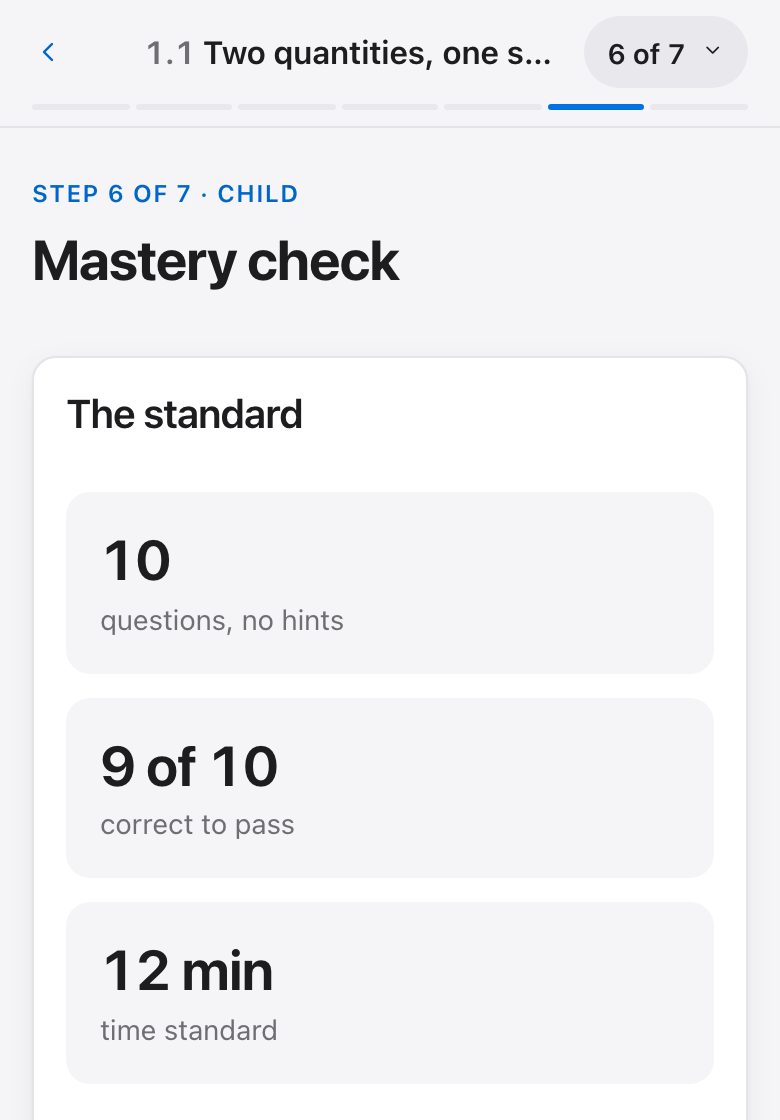
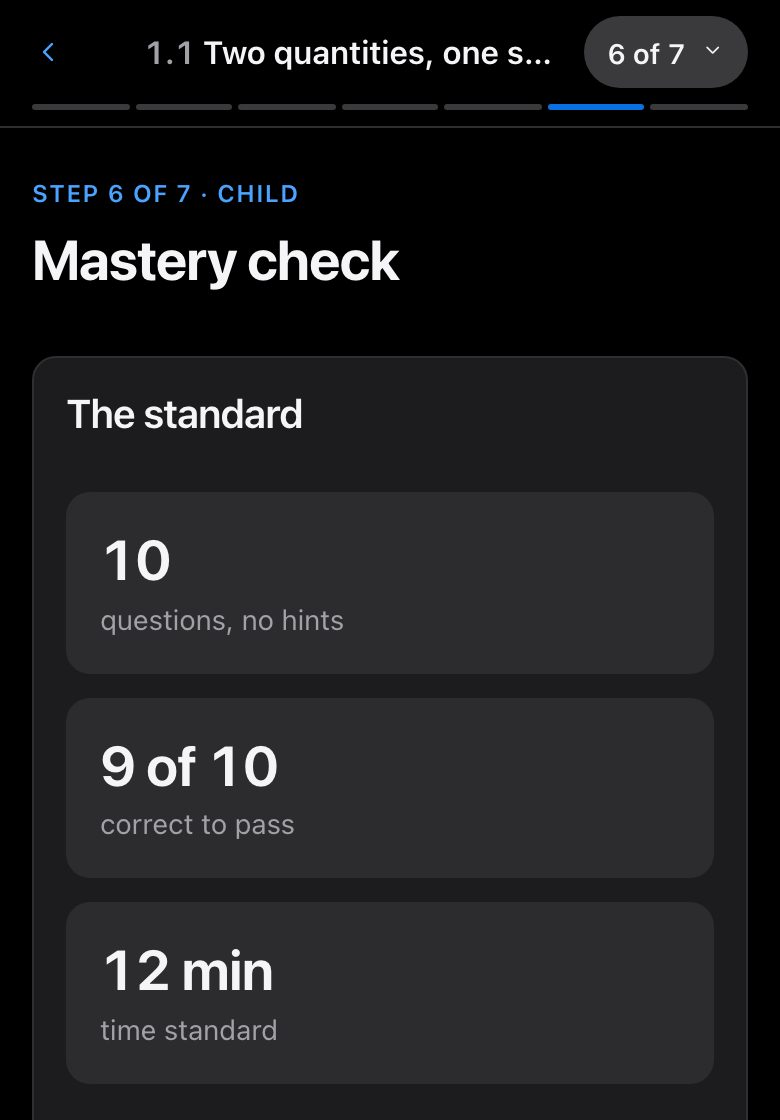
  6. Mastery check

    Child · about 12 minutes

    Timed. 9 of 10 inside the time standard.

    Step 6, Mastery check, as it looks in a lessonStep 6, Mastery check, as it looks in a lesson
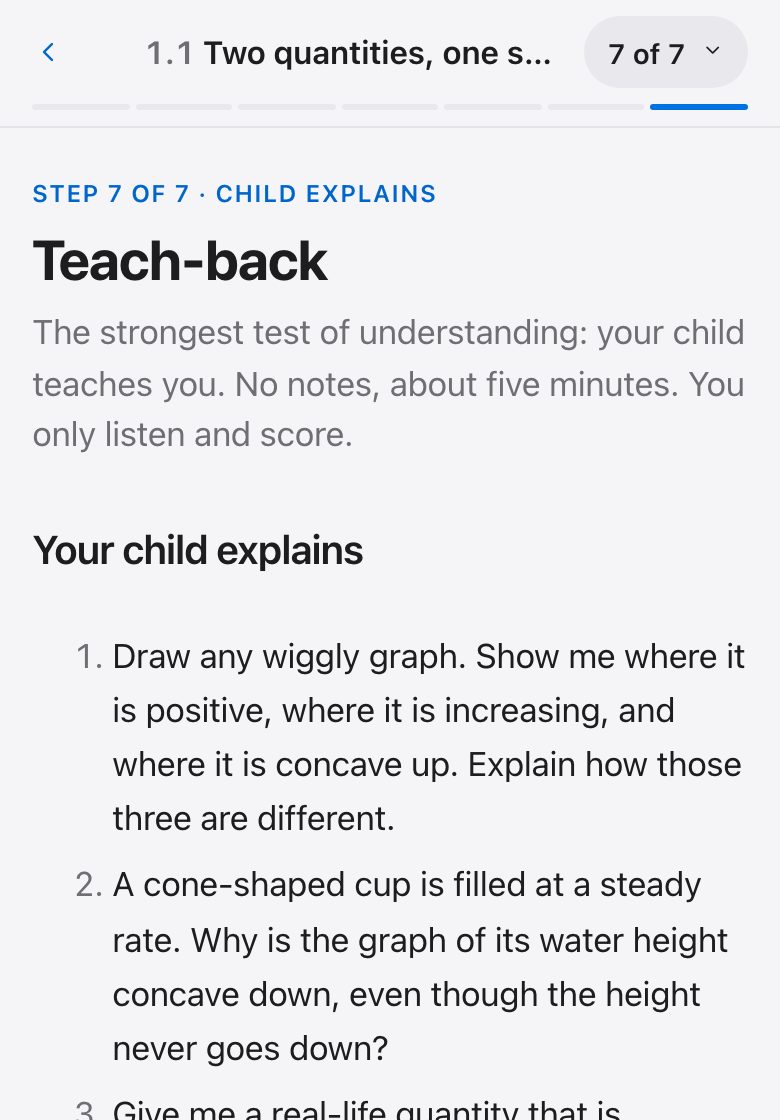
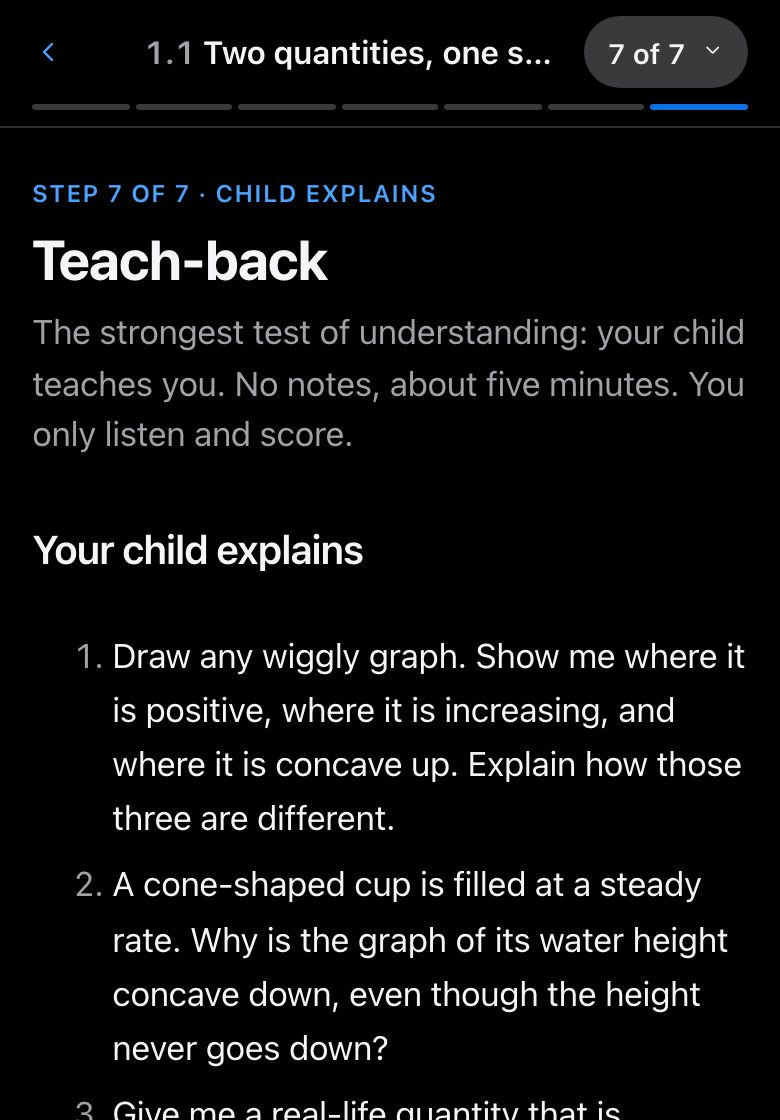
  7. Teach-back

    Child explains · about 8 minutes

    Your child explains; you score with a rubric.

    Step 7, Teach-back, as it looks in a lessonStep 7, Teach-back, as it looks in a lesson

A lesson that is mastered comes back for a short review after 1, 3, 7 and 21 days, so it stays learned.

Courses

What is ready today

Every course is taught the same way. The counts are exact: a lesson is counted when it is written and published, not before.

Precalculus

Grades 11 and 12 · usually 16 to 18

Your child should already know: Algebra 2.

60 of 60 lessons ready

Start free

Need a different course?

The next course is chosen by what families ask for.

Tell us. (It asks you to sign in first.)

Every lesson in every course is free. Always.

That means all of it, for every family:

  • All seven steps of every lesson, from the parent brief to the teach-back.
  • Practice with fresh numbers, a hint when stuck, and a worked solution for every question.
  • The timed mastery check, and the reviews that follow it.
  • The parent dashboard, and a sign-in of their own for each child.
  • A download of everything recorded for your family, whenever you want it.

You need an account to open a lesson. It costs nothing, and nothing that is free today will become paid.

What you see

Where your child really stands

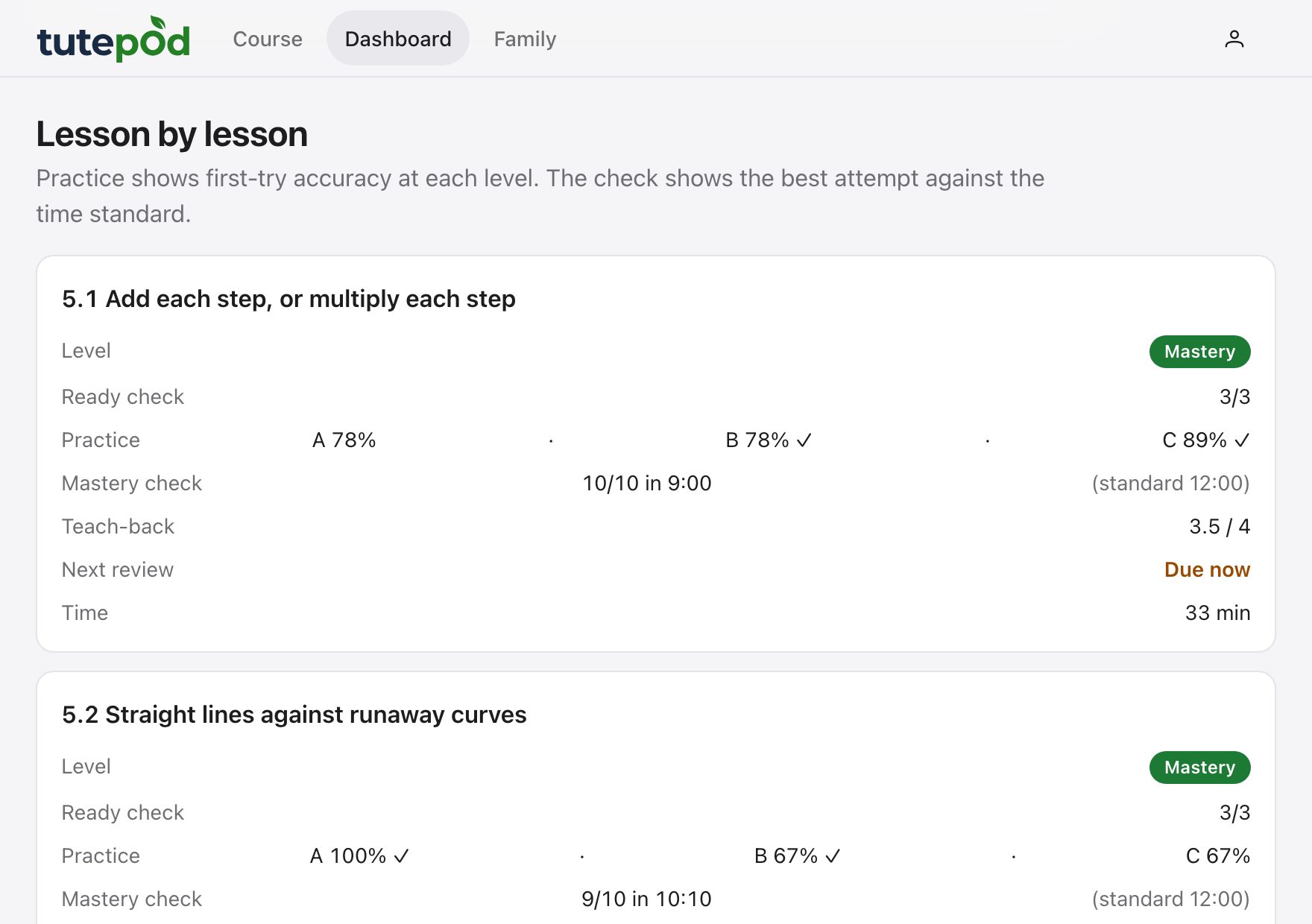
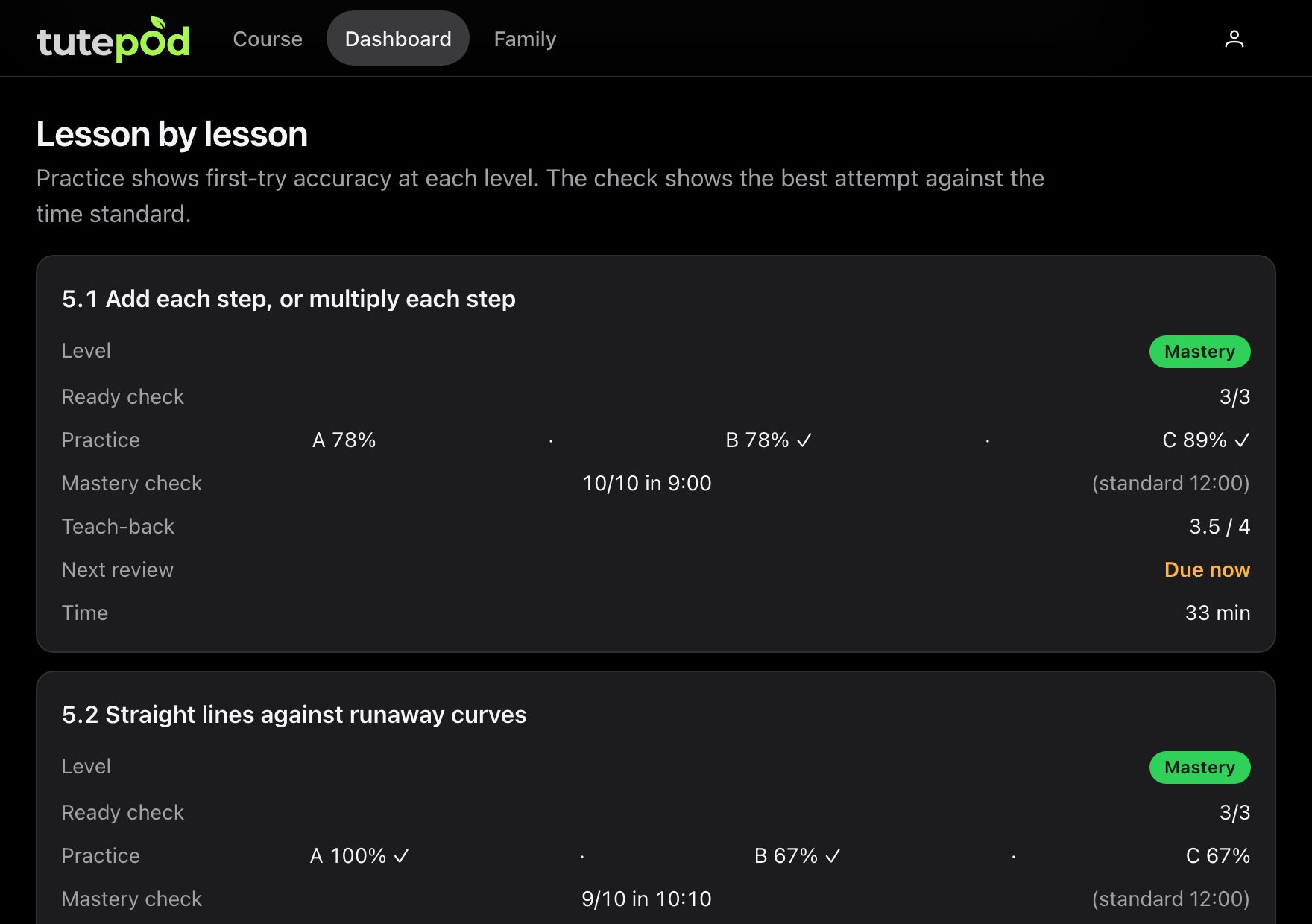
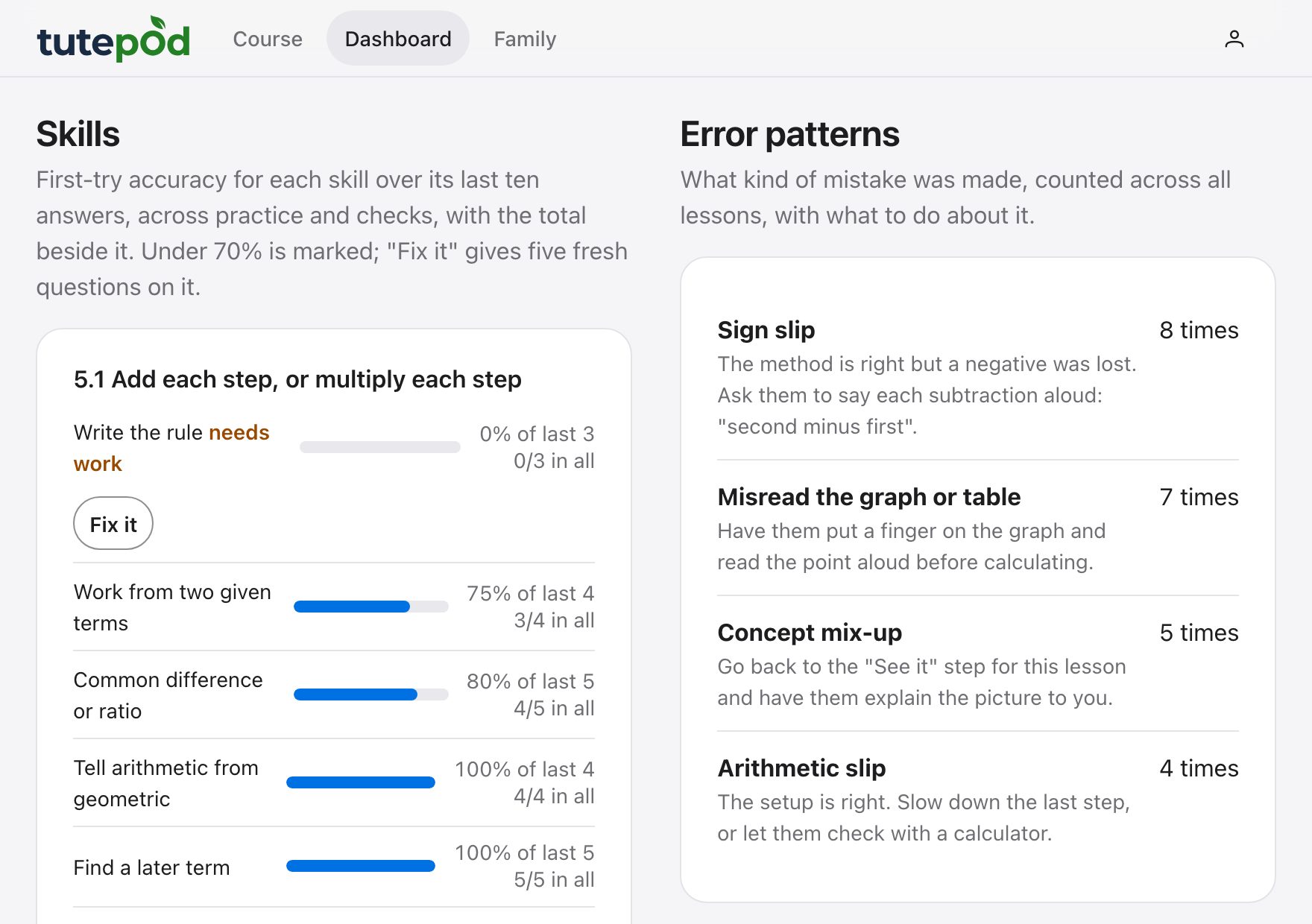
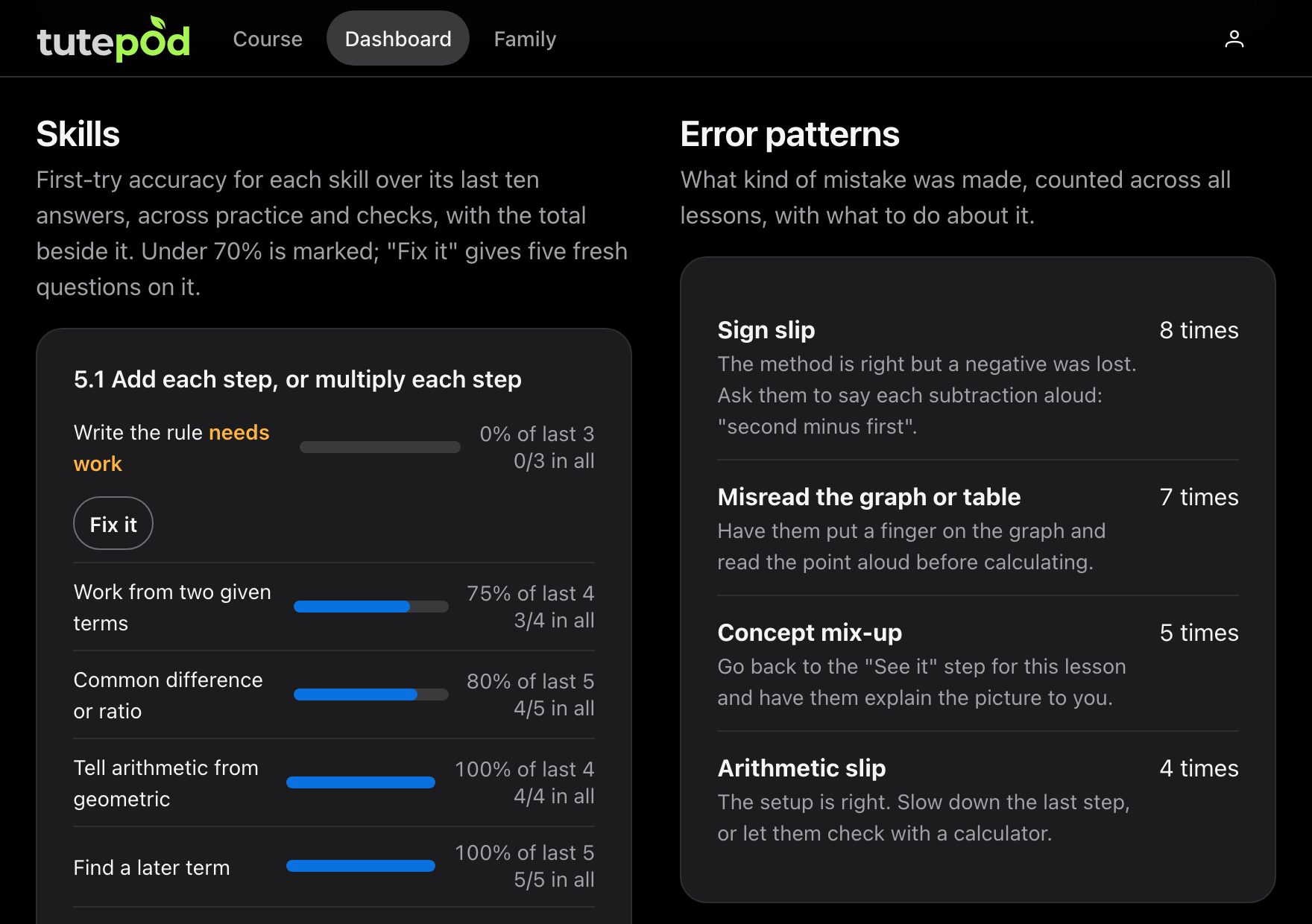
A dashboard shows the level reached in every lesson, the skills that need work, the mistakes that keep coming up with a tip for each, and what to do next. A level is earned from recorded work: questions answered, a check passed against the clock, an explanation you scored. Never from time spent.

The dashboard for a sample learner: each lesson with its level, practice accuracy, mastery check and next reviewThe dashboard for a sample learner: each lesson with its level, practice accuracy, mastery check and next review
The dashboard for a sample learner: accuracy for each skill, one marked as needing work, and the kinds of mistake with a tip for eachThe dashboard for a sample learner: accuracy for each skill, one marked as needing work, and the kinds of mistake with a tip for each

Pictures of the dashboard itself, for a sample learner.

Questions

What is Parent Tutor, and who is it for?

It is for a parent who wants to teach a course at home and does not remember the subject, or never learned it. Every lesson briefs you first, then walks you and your child through it in seven steps, and a dashboard shows you what your child has really mastered. The parent teaches; the child learns with the parent. There is more on how a lesson works.

The full answer

Is this course right for my child?

Each course says who it is for: the school grades it is usually taken in, and what a child should already know. You see that on the course's card before you start it. If you have told us your child's grade and it is earlier than the course's, the card says so. You can still start; it is your decision.

The full answer

What is free?

Every lesson in every course, with all seven steps: the parent brief, the refresher, the interactive pictures, the worked examples, practice with hints and worked solutions, the mastery check and the reviews that follow it. So are the parent dashboard, your children's own sign-ins, and the download of everything recorded for your family. Nothing that is free today will become paid.

The full answer

How does my child get their own sign-in?

By your invite, and only by your invite. On the Family page, press Invite to sign in beside your child's name. You are given a code and a link. Your child opens the link, or goes to the Join page and types the code, then chooses a username and a password. From then on they sign in on their own device.

The full answer

I have forgotten my password

A child asks their parent. On the Family page, press Reset their password beside their name. That makes a code; your child uses it on the Join page to choose a new password. Their work is untouched.

The full answer

How do I delete everything?

On the Family page, under Delete this account, enter your password and press Delete account. That removes your account, every learner, everything recorded for them, and every child's sign-in in your family, at once. It cannot be undone, so download a copy first if you may want it: Dashboard, then Your data.

The full answer

How do I reach a person?

Signed in as a parent, open the account menu, choose Request a feature, and pick Report a problem (go there now). It is read by a person, and the reply appears on the same page.

The full answer

Why you can trust it

  • No advertising

    There are no adverts anywhere, and nothing from any other company loads on a page: no trackers, no outside scripts.

  • Nothing sold or shared

    What your family does here is used to teach your family. It is not sold, shared or passed to anyone.

  • A child's account only by your invite

    A child cannot sign up. You add them, and you decide whether they get a sign-in of their own.

  • Delete everything at any time

    One button on your Family page removes your account, every learner and all of their work. You can download a copy first.